
In this chapter, we will learn about the basic structure of HTML...
You can install any code editor you like, here i like to install sublime text 4, because it is like a feather and have too many features.
HTML (Hypertext Markup Language) is the standard language used to create webpages. It tells the web browser what content to show (text, images, buttons, videos, etc.) and how the content is structured. HTML is like the skeleton of a Website. Without it the website can't be stand. If our HTML is not written then for what we write CSS and JavaScript.
Think of HTML tags as the DNA of a webpage. They are the hidden instructions that tell a web browser how to display content—whether something should be a bold heading, a clickable link, or a simple paragraph.
Some HTML Tags = Heading Tag - <h1> to <h6>. in headings <h1> is biggest and <h6> is smallest of all headings.The horizontal ruler tag, <hr> is an HTML element used to insert a therametic break or horizontal line on a web page. It serves to visually seperate content or sections, providing a clear distinction. And <hr> also <br> is a empty tag. Now what is a Empty Tag?
They are elements or tags that did'nt have a closing tag or that cannot have any child nodes.
Some Common Empty Tags ⇓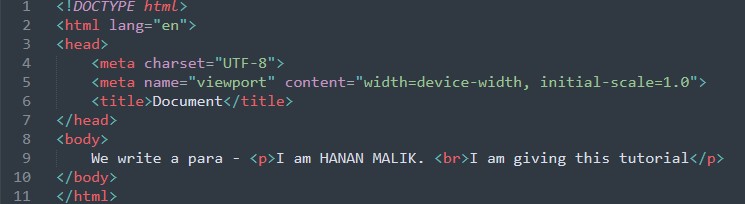
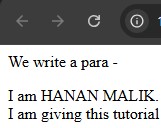
The <img> Tag is a also a Empty tag, used to embedd any image.

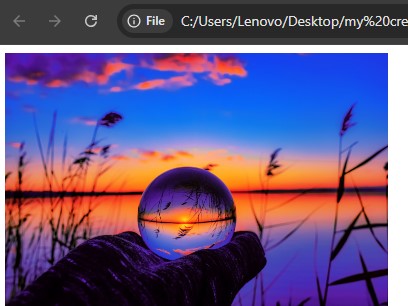
Creates an input field for forms
Contains or Provides metadata about document 
Helps to link externel document. Like stylesheets etc. 
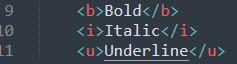
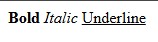
We read Empty Tags, Now we have to learn HTML tags that have a closing tags(Normal Tags)

It look like this 
We use Pre Tag Pre tag is used to write text as it is in code 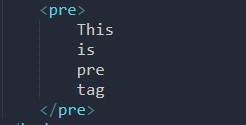
like this 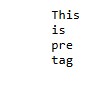
For writing any HTML document we mostly use HTML5 Boilerplate 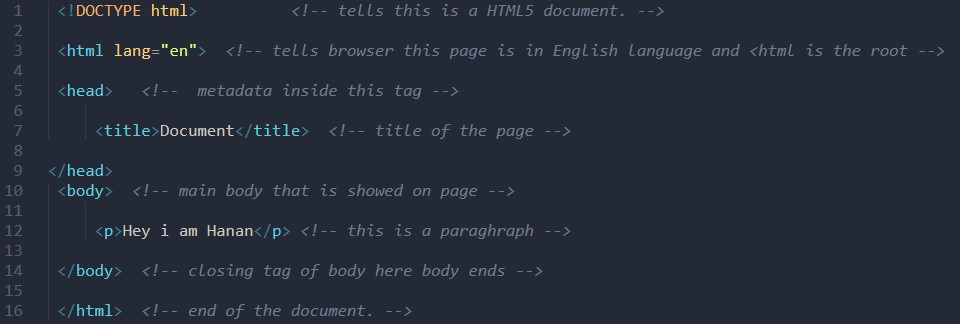
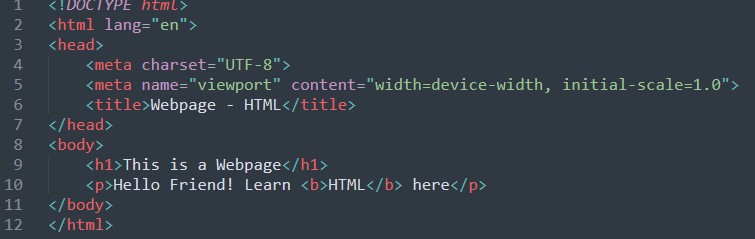
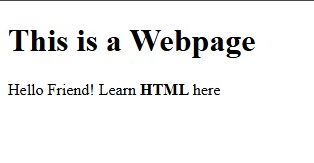
Do you know there are some rules for writing a HTML document. Don't know?! I will tell you
We can embed videos in HTML website that make websites beautiful
For emebedding a video we can use video tag 
In HTML there are lists that help to write items in sequence.
Types of lists:In HTML ordered Lists are lists that are in a ordered Way and have sequense wize numbers in starting. Ordered list is written in <ol> Tag 
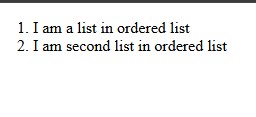
This is ordered List in HTML
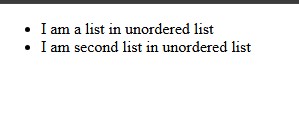
What are Unordered ListsUnordered lists are lists that dont have any order of writing. Unordered list is written in <ul> Tag

It will be shown as:

Div tag takes the full width. Mostly used for containing other elements.
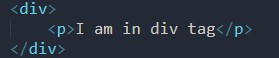
The div Tag. As you see the div tag is taking full width of the page


Span tag is opposite of div tag because it takes only its size width
See it is taking only itself width 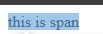
The >table> tag is used to create table in HTML
To be Continued.......Wait for next Chapters till 15 march